Problem :
[Waiting for the domain to finish building…]
[03:13:25 PM] Creating Integrated Weblogic domain…
[03:13:31 PM] ERROR: An error occurred while building the default domain.
Please see this log file for more details:
C:\Users\sbekk\AppData\Roaming\JDeveloper\system11.1.1.9.40.66.73\o.j2ee.adrs\CreateDefaultDomain.log
The Server Instance cannot be started because the Integrated Weblogic domain was not built successfully.
Reason :
Domain creation fails after installing on new Windows version (7338577, 7339920, 8654914)
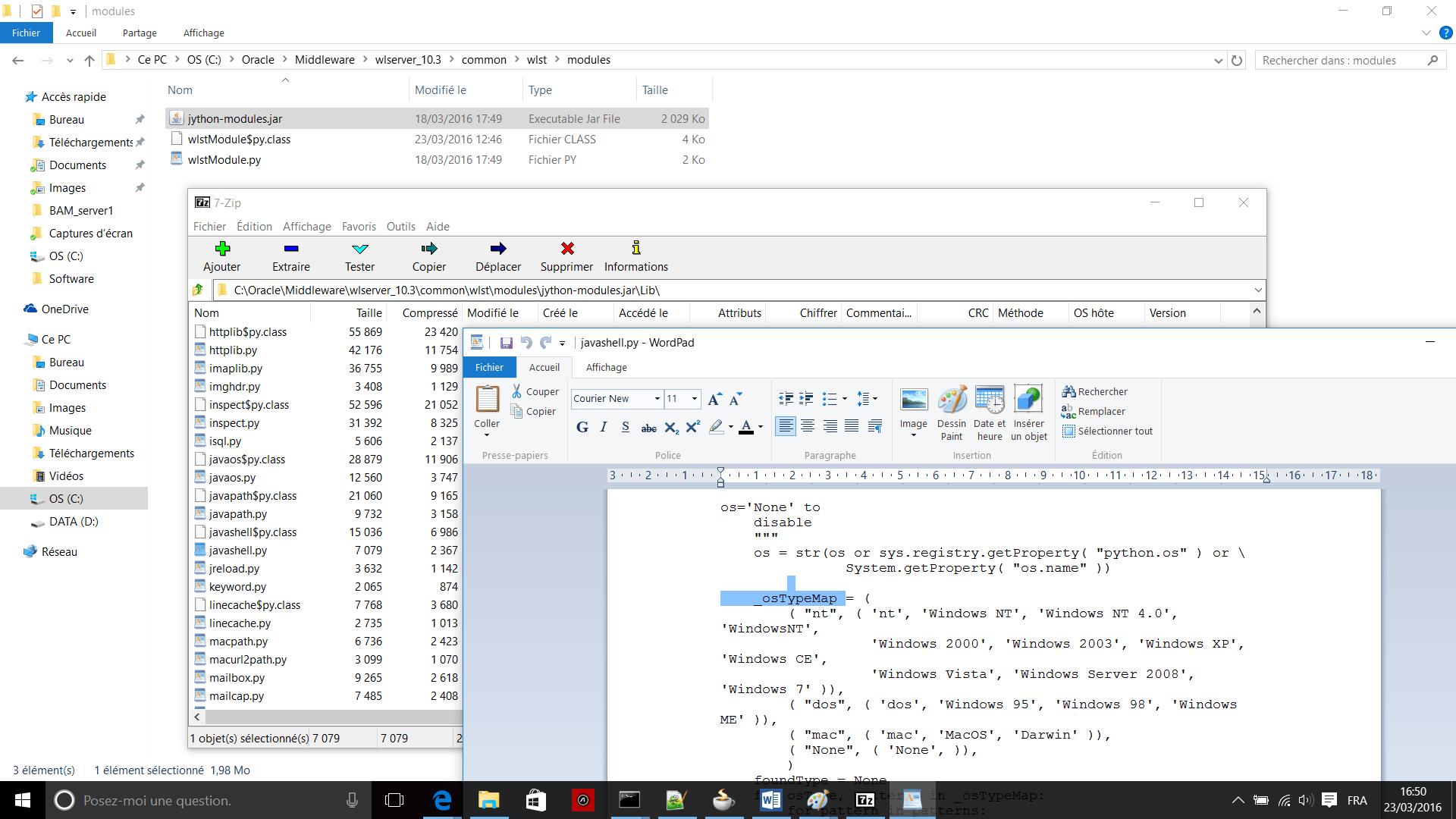
When JDeveloper is installed on a newly released Windows version, it is possible that Jython, which is used by Oracle WebLogic Server’s script tool, does not recognize the Windows version and instead assumes that it is running in a Linux environment.
This causes domain creation to fail with the following error in CreateDefaultDomain.log:
wlst > Failed to get environment, environ will be empty: (0, ‘Failed to /
execute command ([\’sh\’, \’-c\’, \’env\’]): java.io.IOException: Cannot run /
program « sh »: CreateProcess error=2, The system cannot find the file /
specified’)/
@ wlst > Error: ADRS_DOMAIN_PASSWORD environment variable not set.
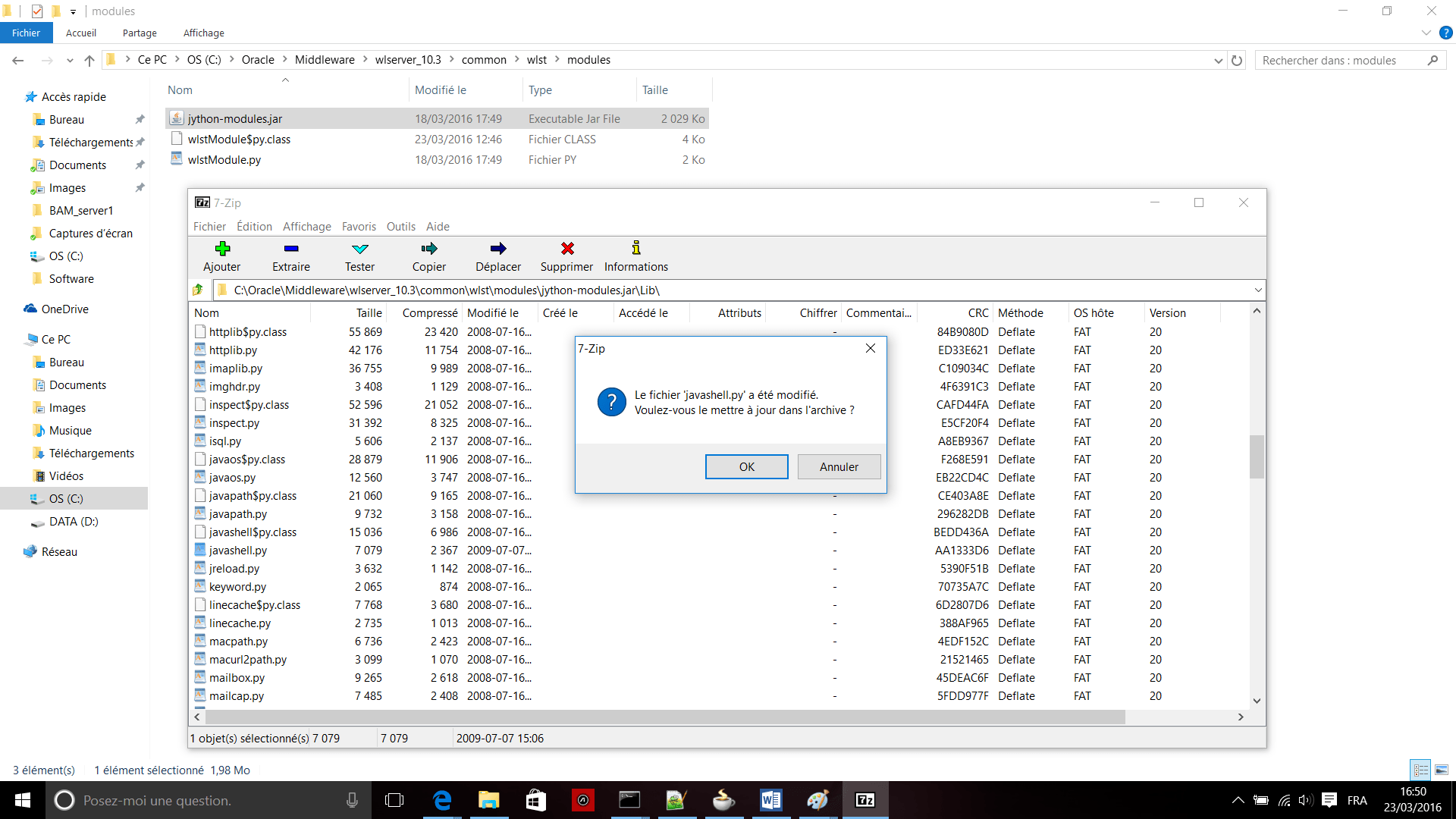
The workaround is to obtain a patch for jython-modules.jar, or to run on a supported version of Windows.
Solution :

 Sanae BEKKAR - My Blog -
Laisser un commentaire