After correctly installing RCU – Repository Creation Utility for DEV_BAM , include in SOA and BPM Infrastructure .
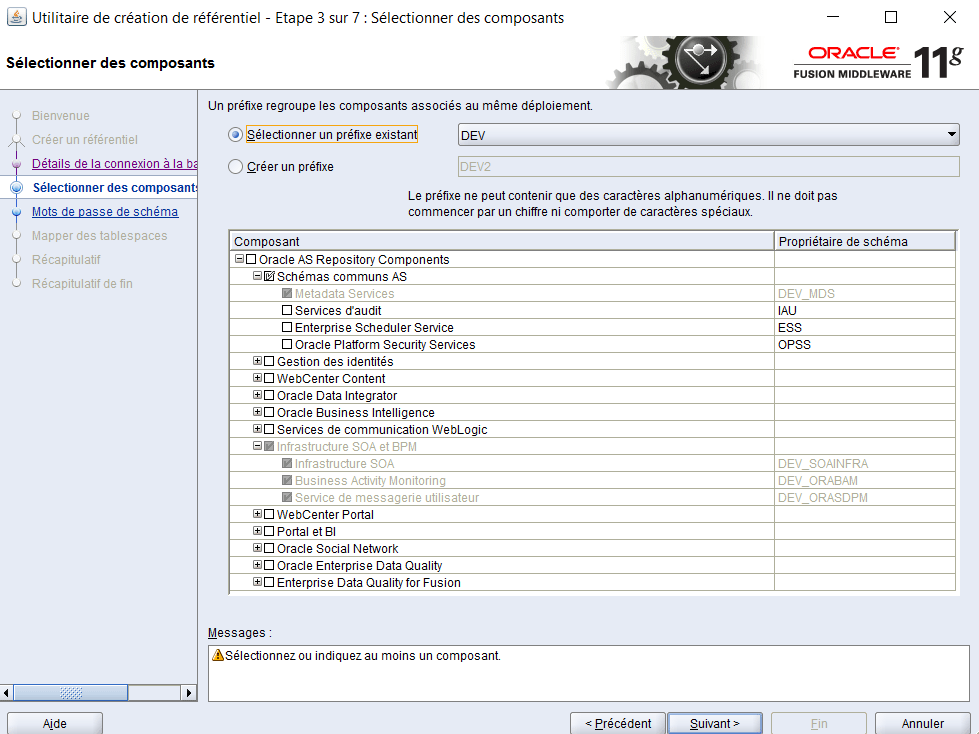
You Extend your weblogic domain , for BAM :

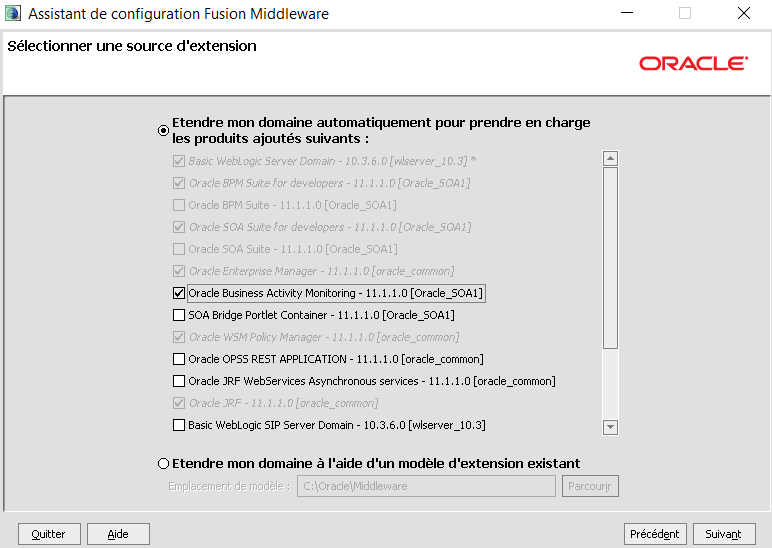
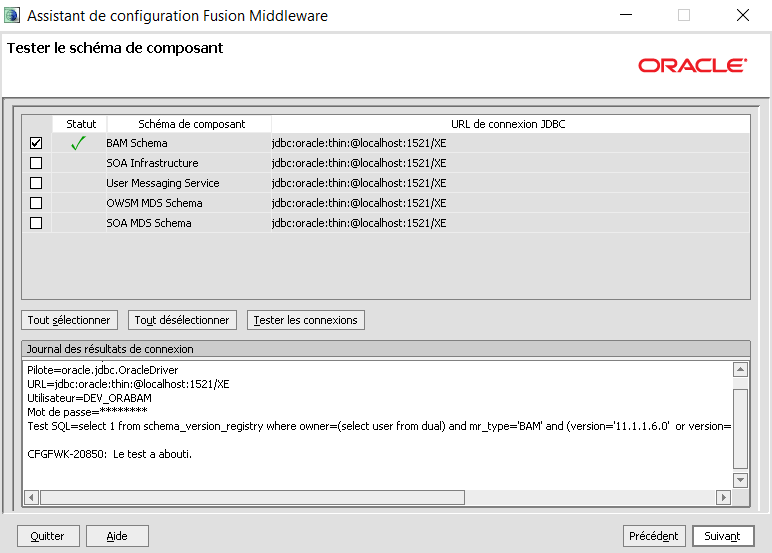
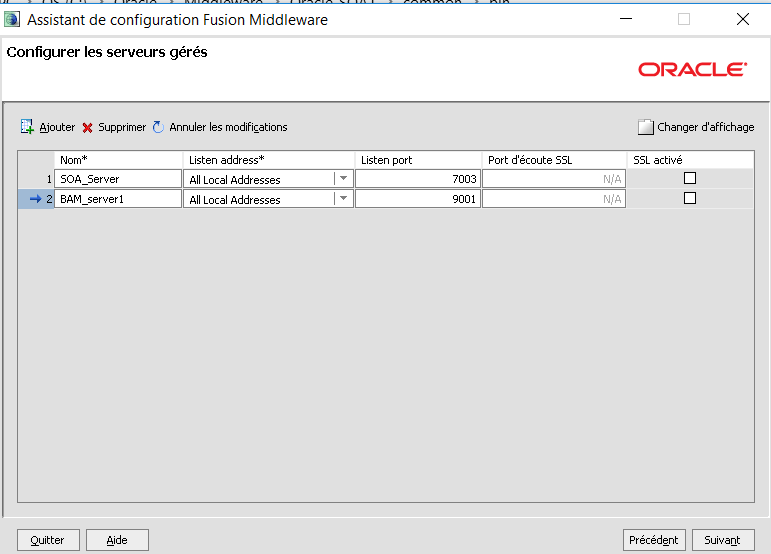
Starting BAM Server
If you have a single-server configuration, open one command window.
If you have a managed server configuration, open three command windows,
one for the WebLogic admin server,
one for the SOA managed server,
and one for the BAM managed server – Start BAM when you need it for a BAM lab.
Start the BAM Managed Server in the third command window:
cd C:\Oracle\Middleware\..\user_projects\domains\domain1 \bin\ startManagedWebLogic.cmd BAM_server1
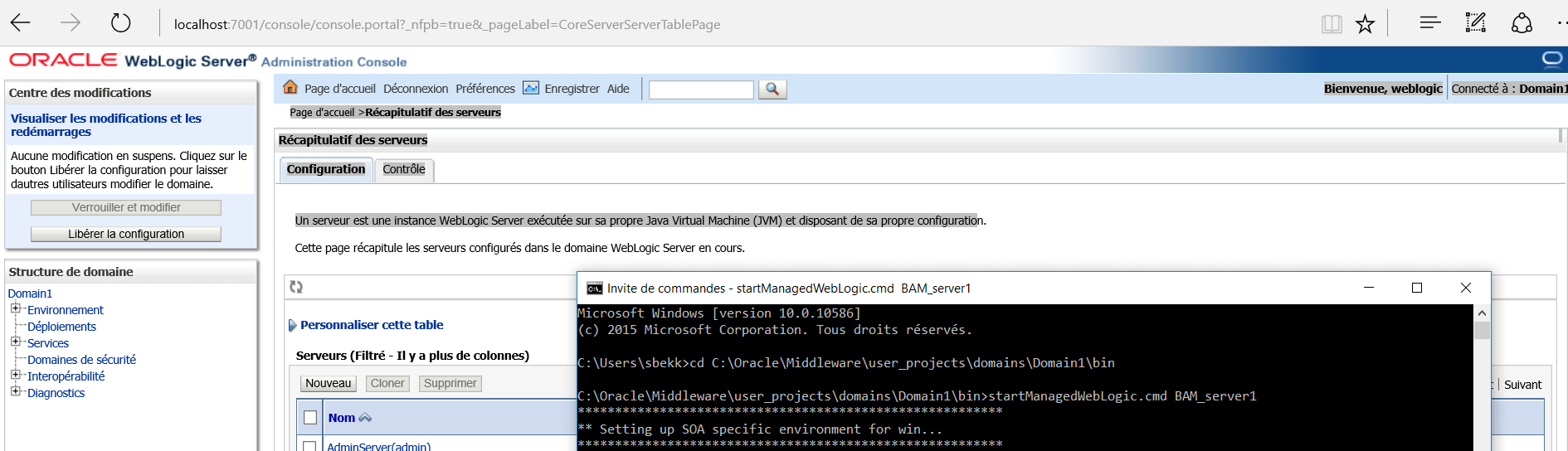
When prompted, enter the user name :weblogic , and password : welcome1.
After the first time you start the server, set the boot.properties
as
described above in post of « Installation OFW Suite 11.1.1.9 » . Watch for the RUNNING status.
Console URL
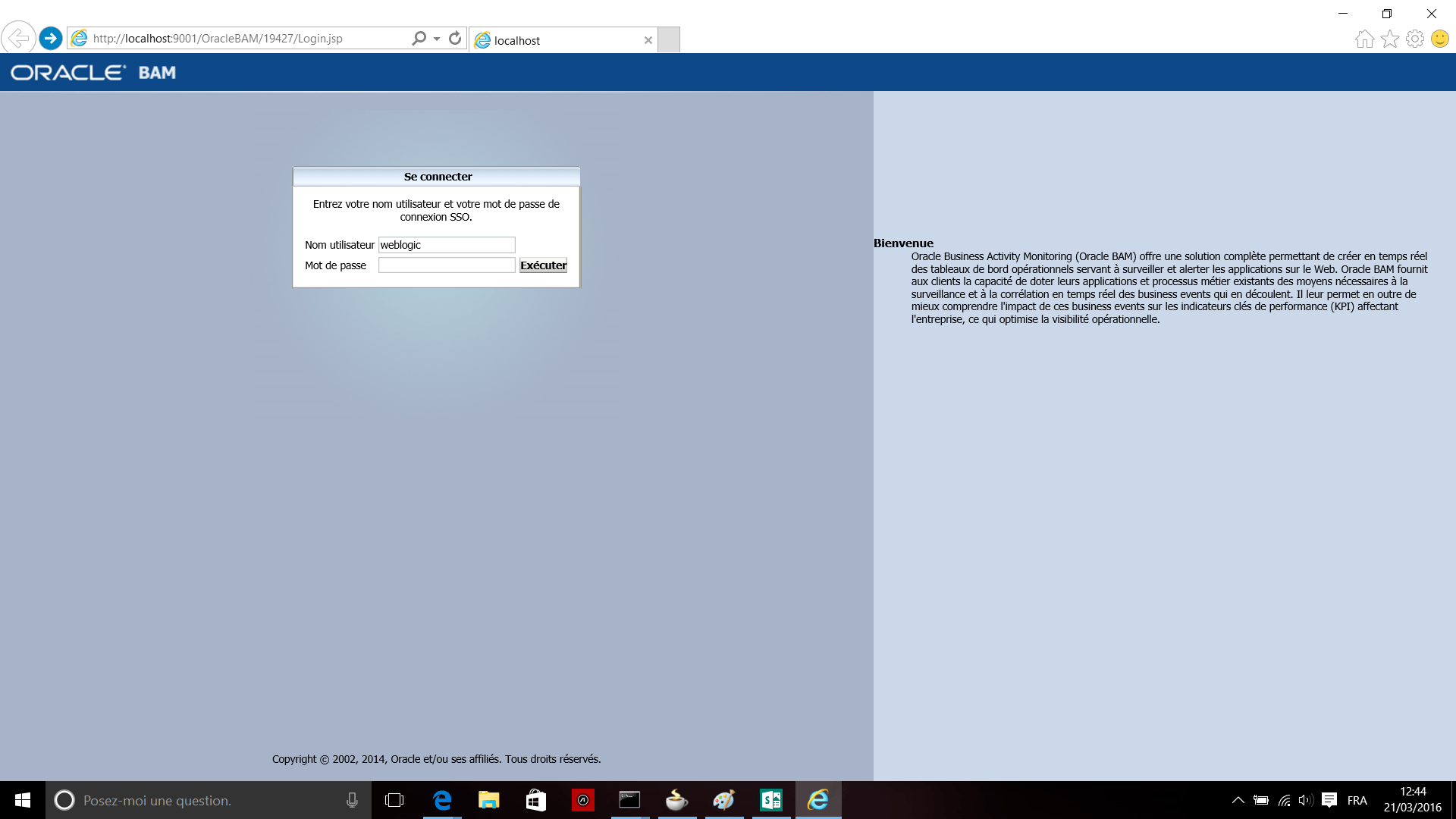
BAM (must use IE browser): http://localhost:9001/OracleBAM
Stopping server
Whenever you need to stop the server complete the following steps:
1.
Stop the managed servers first by entering CTRL-C in the command window. Wait until stopped.
2.
After the managed server stops, stop the admin server by entering CTRL-C in the command window.
NOTE.There is an issue with editing BAM reports with Oracle Sun JDK .
If you will be using BAM, choose Oracle JRockit or, if you need to use the Sun JDK you will need an updated version. You can change your JDK post-install.
Welcome Screen – Oracle BAM –
 Sanae BEKKAR - My Blog -
Laisser un commentaire