— Best Way : Turn on Local Users and Groups via Run.
Press Windows+R to open Run, enter lusrmgr.msc in the blank box and tap OK.
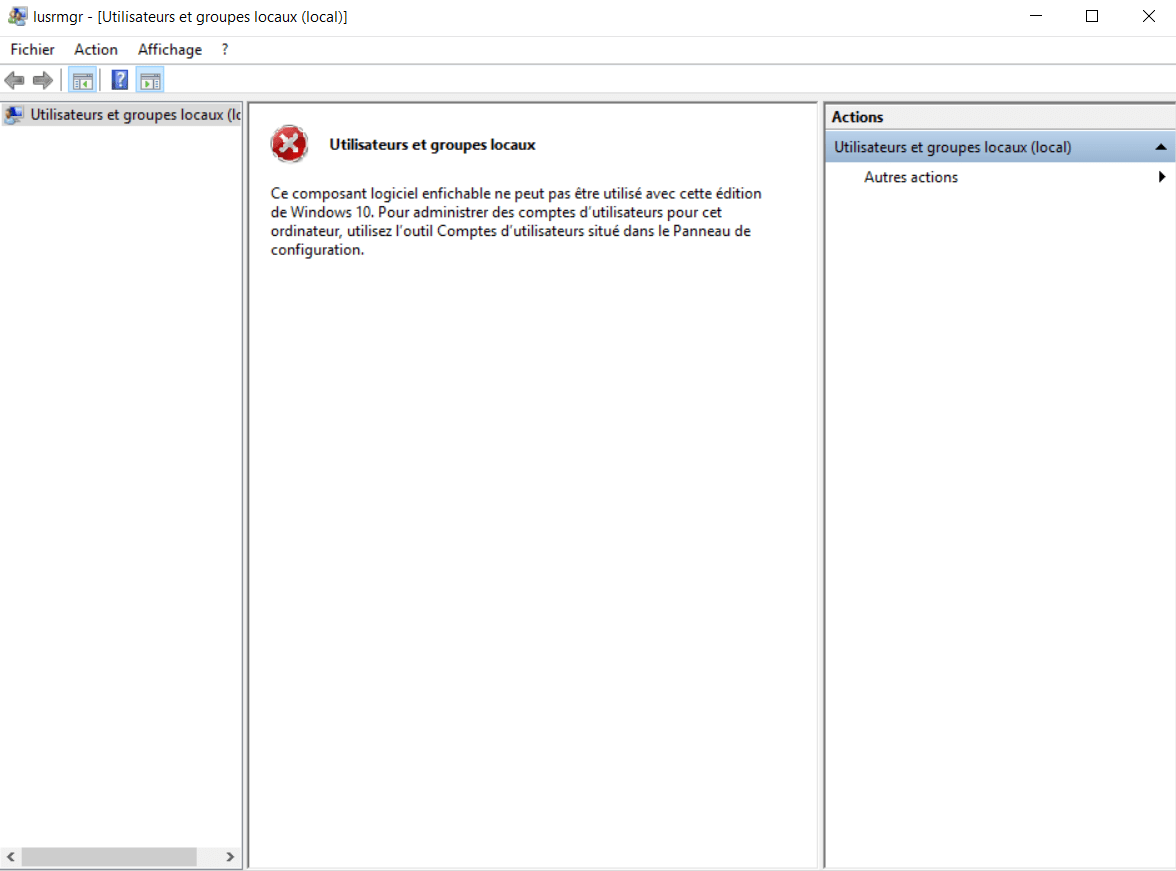
— To create a shortcut for Local Users and Groups on desktop:
Open Notepad ++ > Tape lusrmgr.msc > Save it in Desktop with name as : Local Users and Groups .cmd

 Sanae BEKKAR - My Blog -
Laisser un commentaire